安装部署
方式 1:一键安装(推荐)
curl -fsSL https://openclaw.ai/install.sh | bash方式 2:手动安装
npm install -g openclaw@latest
openclaw onboard --install-daemon
openclaw gateway status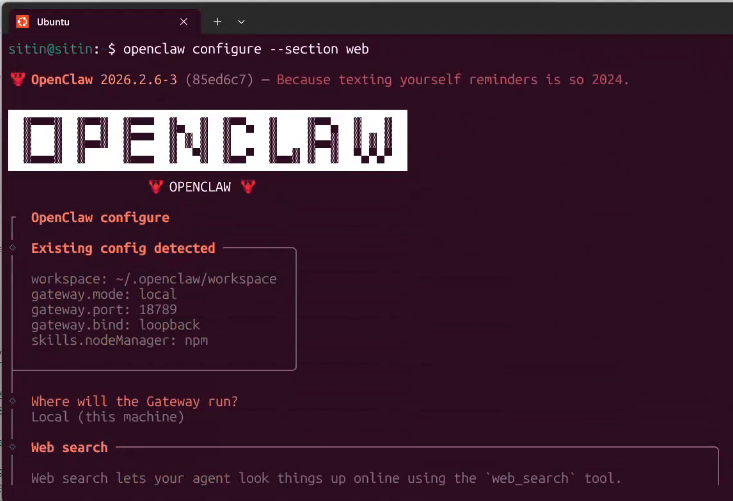
方式 3:Docker
docker pull openclaw/openclaw:latest
docker run -d --name openclaw -p 18789:18789 -v ~/.openclaw:/root/.openclaw openclaw/openclaw:latest
验证是否成功
openclaw --version
openclaw doctor
openclaw dashboard
常见问题
- 命令找不到:检查 npm 全局 bin 是否加入 PATH。
- 安装超时:切换 npm 镜像源。
- 端口冲突:排查 18789 占用并更换端口。
- 代理问题:确认环境变量与网络连通。
免费章节到此结束。第 4-13 章包含配置详解、模型策略、Agent 深度玩法与效率模板。
💡 学完这章想实战?加入社群获得 $50 算力额度 + 实时答疑
加入社群 ¥49