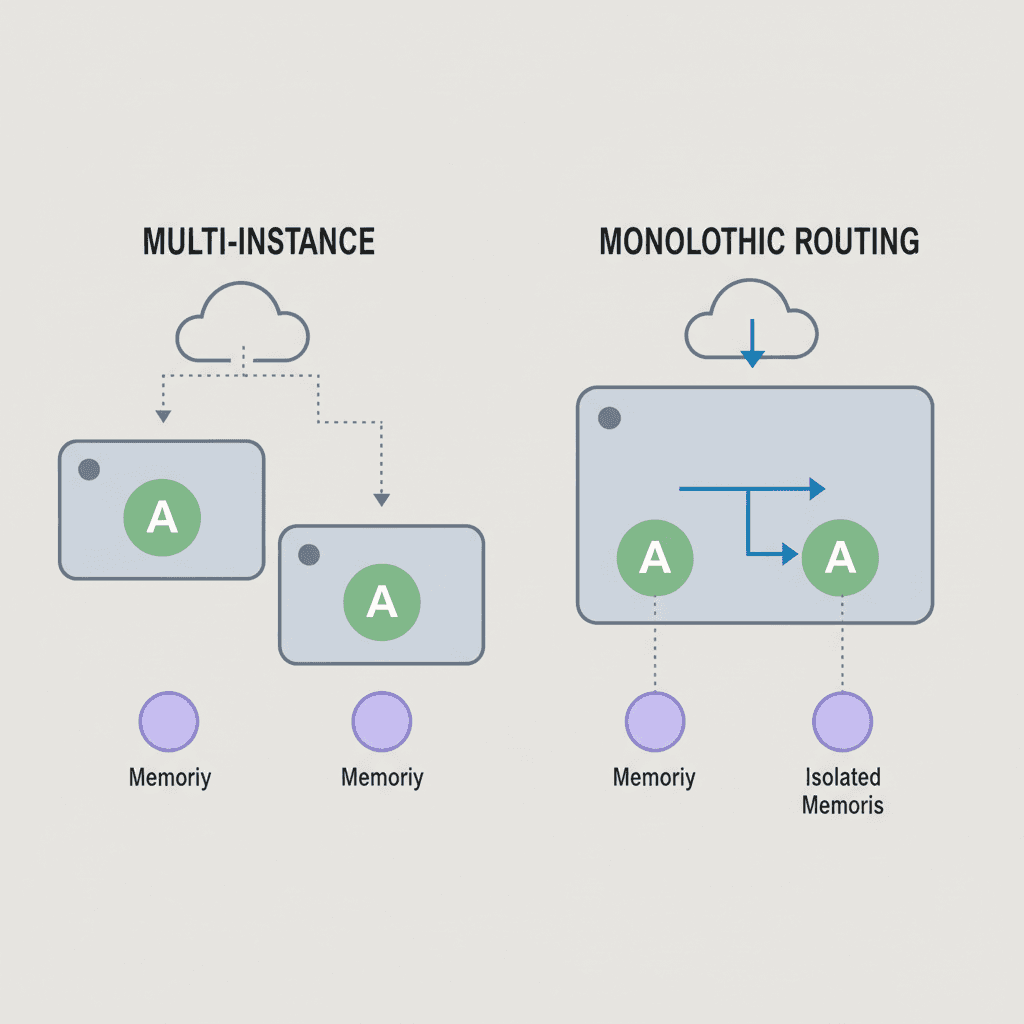
OpenClaw 模型挂了怎么办:/model 命令与故障切换完全指南
分享一下 OpenClaw 快速切换模型的方式,越用越发现这玩意儿太牛了。现在每天都在用它,每天都在研究一些使用场景。如果用得正嗨的时候,突然 OpenClaw 罢工,回复 request ended without sending any chunks,那真是有点扫兴了。
这个报错不是 OpenClaw 本身出了问题,而是有时候接入渠道模型不稳定。这种情况下 OpenClaw 也没办法帮你修复渠道问题,只能自己手动操作。如果不知道怎么切换模型,就比较难受了。
硬切换
我的情况比较简单,同一个模型、同一个厂商,只是厂商支持多个渠道,所以我换了一个渠道的 API Key 就恢复了。
操作方式是 SSH 到服务器,编辑配置文件,找到对应 provider 下的 apiKey 字段,替换成新渠道的 Key。
更常见的情况是切换默认模型。在配置文件里找到默认模型字段,改成备用模型的 ID,保存后重启 Gateway:
# 硬切换的完整流程
ssh user@your-server
nano ~/.openclaw/openclaw.json
# 换 key:找到对应 provider 的 apiKey 字段,替换成新的 key
# 换模型:找到 agents.defaults.model.primary,改成备用模型 ID
# 保存退出
openclaw gateway restart
这个方式对新手很不友好:一是容易改错,JSON 格式少个逗号多个引号就启动不了;二是不确定改完是不是就行了,还需要重启 Gateway 才能生效。
/model 命令:即时切换
恢复之后,我立马做了一件事:让 bot 帮我把 Codex 模型也加到配置里,Codex 相对比较稳定,CC 出问题了 Codex 可以立马顶上。
OpenClaw 自带一个 /model 命令,可以在聊天框里直接切换模型,不需要 SSH、不需要改配置文件、不需要重启服务,即时生效。比如:
/model aigocode-gpt/gpt-5.3-codex
一行命令,当前会话立刻切换到 Codex 5.3。等 Claude 渠道恢复了,再切回来:
/model cc/claude-opus-4-6
或者直接重置为配置文件里的默认模型:
/model reset
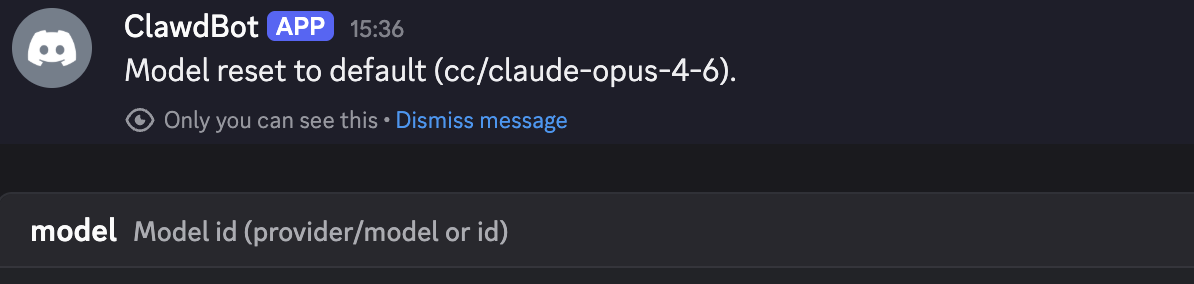
注意事项
/model 命令切换的是当前会话的模型,不会修改配置文件。 新会话或 Gateway 重启后,会回到配置文件中设置的默认模型。这其实也合理,临时切换用 /model,长期变更才去改配置。
/model 命令只能切换到配置文件白名单里的模型。 只有列在 agents.defaults.models 里的模型才允许通过 /model 切换。默认模型不需要额外加,但新增的备用模型一定要记得加到白名单里,否则会提示不允许切换。
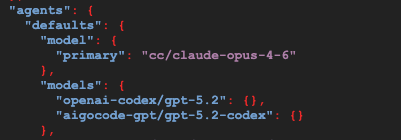
配了模型别名切换更方便。 在配置文件里给模型设好别名后,直接 /model opus 或 /model codex 就行,不用记那一长串模型 ID。
为了以防万一,我让 bot 把目前可用的模型都列了出来,方便随时通过 /model 命令切换,也方便需要手动改配置文件时参考。
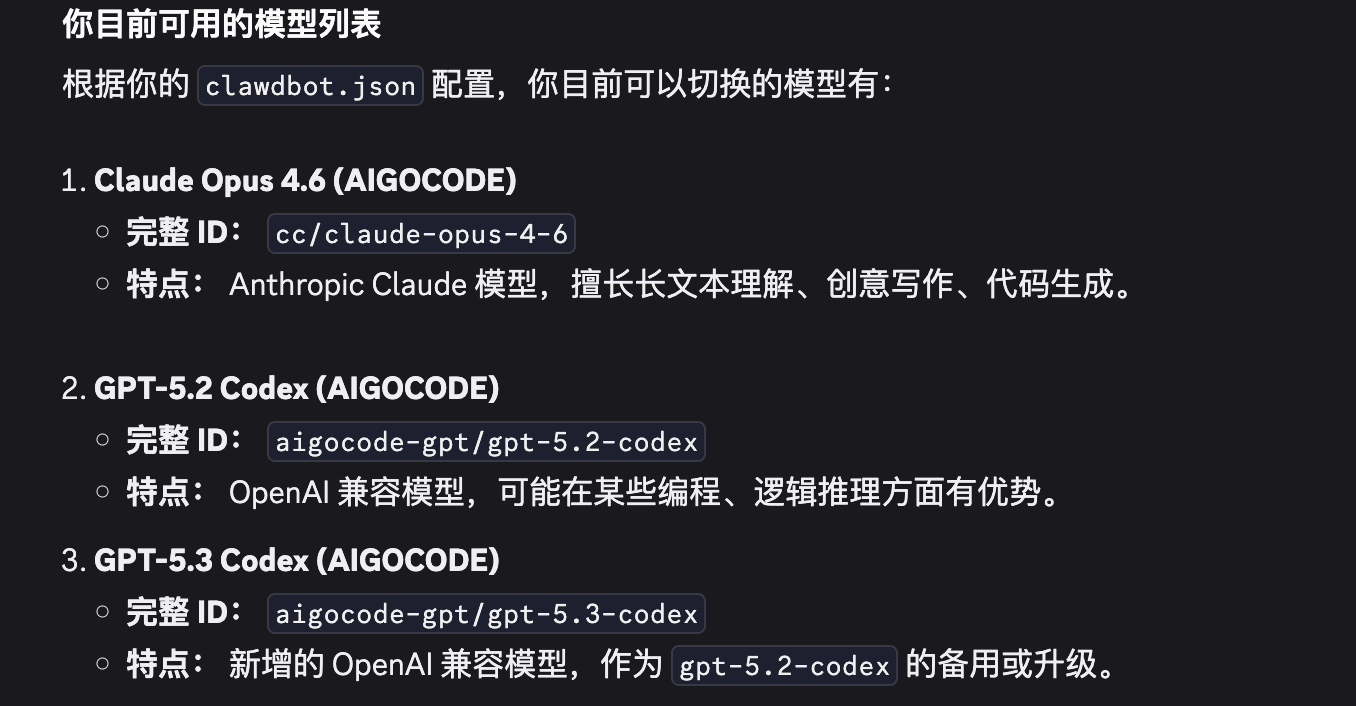
Provider 前缀是什么
模型 ID 里 cc 和 aigocode-gpt 这些前缀,是自定义的供应商名称(Provider ID)。
因为用的是第三方中转而不是官方 API,所以自定义一个名称来区分不同的渠道。这样做的好处是每个渠道可以独立配置 API Key 和 Base URL,互不干扰,出了问题也能一眼看出是哪个渠道的锅。
自动故障切换:fallback chains
翻了一下 OpenClaw 的文档,发现还有一个 fallback chains 功能,可以配置模型的自动故障切换。
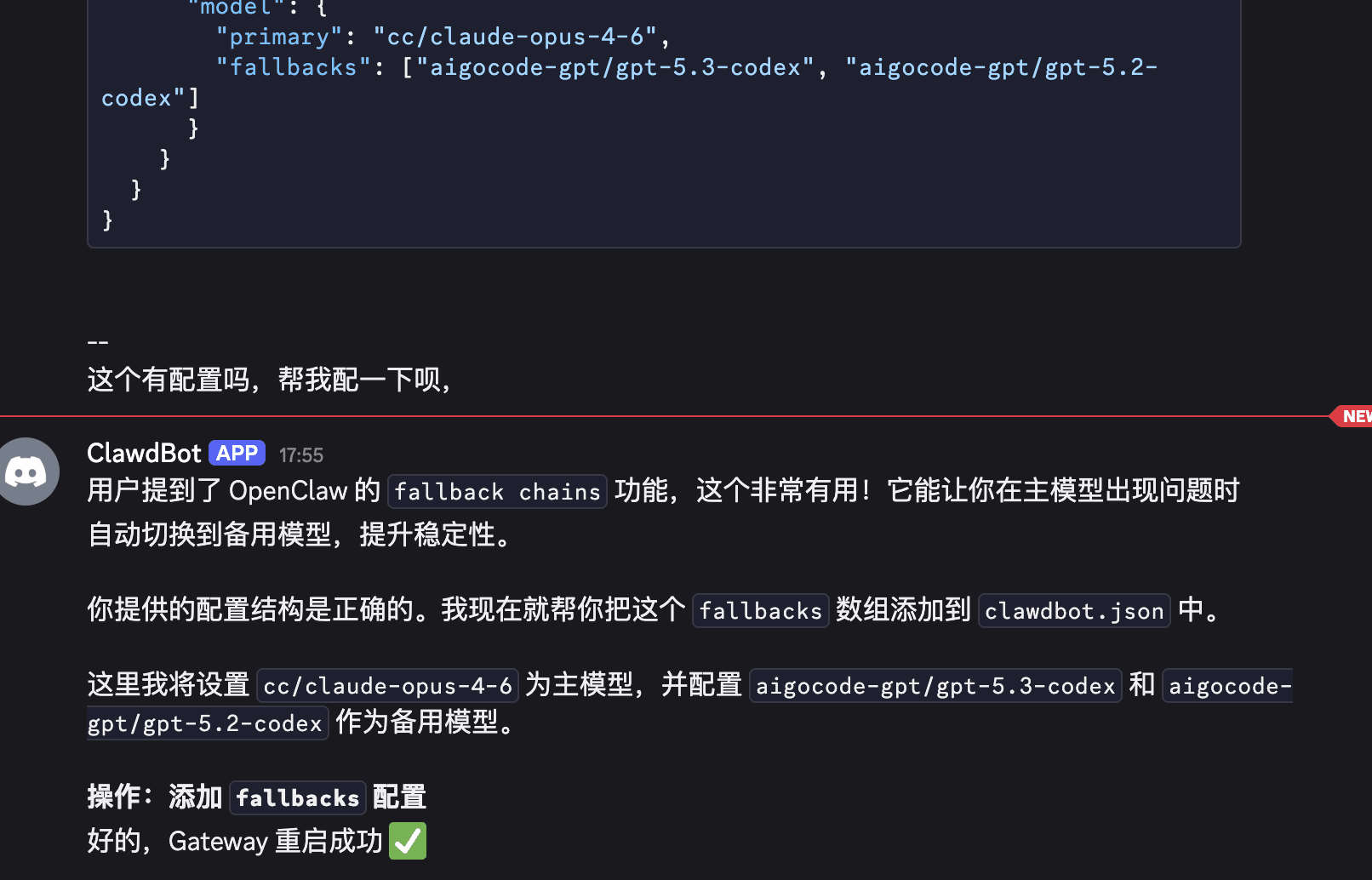
在配置文件里,除了设置主模型,还可以设置 fallbacks 数组,当主模型挂了(比如超时、认证失败、触发限流),OpenClaw 会自动按顺序尝试备用模型,不需要手动干预:
{
  "agents": {
    "defaults": {
      "model": {
        "primary": "cc/claude-opus-4-6",
        "fallbacks": ["aigocode-gpt/gpt-5.3-codex", "aigocode-gpt/gpt-5.2-codex"]
      }
    }
  }
}
配好之后,Claude 渠道不稳定的时候,OpenClaw 会自动切到 Codex,不需要你手动操作。等主模型恢复了,新的会话又会自动回到 Claude。
这个功能配置很简单,把上述代码贴给 OpenClaw 操作,它会检查配置结构和你的实际模型自动完成设置。
总结
简单来说就三件事:
- 多配几个不同渠道的模型做备用(在 providers 里注册,加入白名单)
- 记住
/model命令可以在聊天框里即时切换(不需要改配置文件,不需要重启) - 配好 fallback chains 让它自动处理(主模型挂了,OpenClaw 自动切备用)
做好这些,配多个模型走不同的渠道,基本上不会同时挂掉。日常用 Claude Opus,一旦出问题,/model 一行命令切到 Codex,几秒钟就能恢复对话。