Claw101
Back to Blog
2026-02-11
Share:TwitterTelegram

2026 AI Coding Tool Comparison: OpenClaw vs Cursor vs Windsurf

2026 AI Coding Tool Comparison: OpenClaw vs Cursor vs Windsurf

AI coding tools are no longer a "should I use one?" question — it's a "which one should I use?" question. As of early 2026, three tools have emerged as the dominant players: OpenClaw, Cursor, and Windsurf. Each takes a fundamentally different approach to AI-assisted development, and their capabilities are evolving rapidly.

This article is not a spec sheet comparison. Instead, we evaluate all three tools across four practical dimensions drawn from real engineering workflows: task decomposition, context management, auto-execution, and team collaboration. Our goal is to help you make a more informed choice based on your actual needs.

Why This Comparison

Over the past six months, our team has used all three tools extensively across multiple projects. The clearest takeaway: no single tool dominates every scenario. Cursor delivers an unmatched in-editor completion experience. Windsurf's Cascade mode is incredibly beginner-friendly. And OpenClaw approaches complex task orchestration and automation from an entirely different angle.

The real question isn't "which is best?" — it's "what does your workflow actually need?" That's why we structured this comparison around four dimensions that cover the spectrum from individual coding to team-scale engineering.

Dimension 1: Task Decomposition

Task decomposition determines how large a unit of work a tool can handle. There's a massive difference between "write me a function" and "refactor this entire module."

OpenClaw

OpenClaw's core design philosophy centers on agent-level task decomposition. You describe a complex goal to the primary agent, and it automatically breaks it down into sub-tasks, assigning each to a separate sub-agent for parallel execution. In our testing, a medium-scale website redesign was split into 6 parallel threads: frontend pages, backend API, content generation, SEO optimization, test cases, and deployment configuration.

The key advantage is parallelism. Six or more sub-tasks can run simultaneously, each with its own isolated context and execution environment. For projects with tight deadlines, this represents a qualitative improvement in throughput.

Cursor

Cursor's sweet spot is single-file or small-scope editing. Its Tab completion and inline edit experience is the best among all three tools. Composer mode supports multi-file operations and can understand cross-file dependencies, but it fundamentally operates as a sequential processor — it focuses on one modification chain at a time.

For everyday feature development and bug fixes, Cursor is extremely efficient. But when task complexity scales to the point where multiple independent modules need simultaneous progress, you'll need to manually split and address them one by one.

Windsurf

Windsurf's signature feature is Cascade mode. Starting from your requirements, it executes step by step in sequence: analyze the code, generate a plan, modify files, run tests. The entire process is a linear pipeline.

Cascade's strength is predictability. You can clearly see what each step is doing and intervene at any point. But its limitation is equally clear: when tasks have no dependencies on each other, sequential execution wastes significant time in idle waiting.

FeatureOpenClawCursorWindsurf
Decomposition levelAgent-level, automaticFile/function levelStep-level, linear pipeline
Parallel execution6+ concurrent sub-tasksNot supportedNot supported
Best forComplex, multi-module projectsSingle/few file editsMedium complexity, linear flows

Dimension 2: Context Management

Context management determines how much a tool can "remember" and how deeply it can "understand." As project scale grows, differences in this dimension are amplified dramatically.

OpenClaw

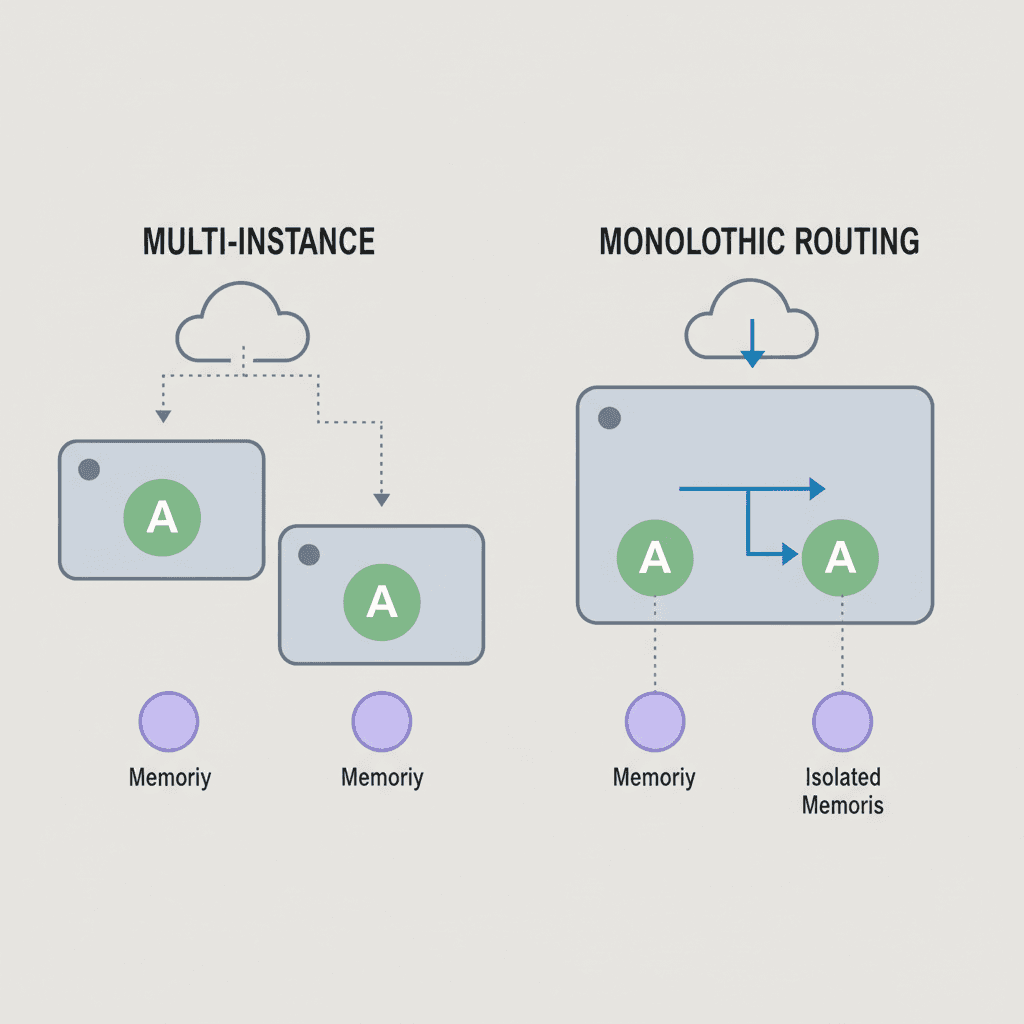
OpenClaw employs a session isolation + long-term memory architecture. Each sub-agent has its own session context, preventing cross-contamination. At the same time, key information is written to a long-term memory system and automatically recalled in subsequent tasks.

The practical effect: a technical decision you asked it to make last week will still be remembered when you start a new task this week. This is incredibly valuable for projects under continuous iteration — you don't have to re-explain the project context every time.

Cursor

Cursor's context management is built on a project-level index. It indexes your entire codebase, and you can use @ to reference specific files, functions, or documentation. The advantage of this approach is precision and control: you explicitly tell it what to reference, and that's exactly what it looks at.

However, Cursor's context window is limited. For very large projects, you need to carefully curate which files to include in context. This requires some experience from the user.

Windsurf

Windsurf uses a full-project scan strategy. On startup, it scans the entire project structure and automatically determines which files are relevant to the current task. This approach is very beginner-friendly — you don't need to manually specify context.

However, full-project scanning in large monorepos can introduce noise, pulling irrelevant files into the analysis and reducing the precision of suggestions.

FeatureOpenClawCursorWindsurf
Context strategySession isolation + long-term memoryProject index + @referencesFull-project scan
Cross-session memorySupportedNot supportedNot supported
Large project handlingStrong (isolation mechanism)Requires manual managementPotential noise issues

Dimension 3: Auto-Execution

"Help me write code" and "help me get things done" are two fundamentally different expectations. Auto-execution capability determines how independently a tool can complete tasks.

OpenClaw

OpenClaw goes furthest among all three in terms of automation. It can not only modify code but also connect to external services: call APIs, operate databases, perform browser automation (via Browser Relay), and deploy to servers.

In our testing, OpenClaw completed an end-to-end workflow: extract styles from a Figma design → generate frontend code → write files → run tests → push to Git → trigger CI/CD. The entire process required zero human intervention.

The trade-off is a higher trust threshold. You need to carefully configure permissions and security boundaries to ensure it doesn't execute operations beyond your intent.

Cursor

Cursor's execution boundary is within the IDE. It can edit files, run terminal commands, and execute tests, but all operations happen inside your editor environment. Every modification requires your confirmation before being applied.

The benefit of this model is safety and control. You remain the final decision-maker, and all code changes can be reviewed before application.

Windsurf

Windsurf also operates within IDE boundaries, but its Cascade mode automatically executes the entire modification chain. Unlike Cursor's step-by-step confirmation, Windsurf presents a complete execution plan first — once you approve, it batch-executes all steps.

FeatureOpenClawCursorWindsurf
Execution boundaryFull-stack (including external services)Within IDEWithin IDE
Automation levelEnd-to-end automationStep-by-step confirmationBatch execution
External integrationsAPIs, browser, deploymentTerminal commandsTerminal commands
Safety mechanismPermission configurationStep-by-step reviewPlan confirmation

Dimension 4: Team Collaboration

When a tool scales from individual use to team scenarios, collaboration capabilities become a critical factor.

OpenClaw

OpenClaw's multi-agent architecture is a natural fit for team scenarios. You can define shared agent configurations and prompt templates for the team, ensuring all members use consistent workflows. Tasks can be distributed and handed off between members, and every agent's execution history is fully traceable.

Additionally, OpenClaw supports shared memory — team best practices and technical decisions can be accumulated in the memory system, allowing new members to quickly align on context.

Cursor

Cursor offers a Team tier with shared Rules (project-level rule configuration) and unified API key management. But it's fundamentally a personal IDE tool, with team collaboration primarily happening through Git and code review.

Windsurf

Windsurf's collaboration features are relatively basic at this point. It supports shared workspace configuration but doesn't provide deep team-level functionality. Collaboration relies primarily on external toolchains.

FeatureOpenClawCursorWindsurf
Team sharingAgent configs + shared memoryRules + API managementBasic workspace config
Task distributionNatively supportedNot supportedNot supported
Knowledge retentionLong-term memory system.cursorrules filesNone

Summary Comparison

DimensionOpenClawCursorWindsurf
Task Decomposition★★★★★★★★☆☆★★★☆☆
Context Management★★★★★★★★★☆★★★☆☆
Auto-Execution★★★★★★★★☆☆★★★★☆
Team Collaboration★★★★★★★★☆☆★★☆☆☆
Learning CurveMedium-HighLowLow
PricingOpen-source, free$20/mo Pro$15/mo Pro

Conclusion: Different Tools for Different Scenarios

Choose OpenClaw when:

  • Your project is complex and requires parallel progress across multiple modules
  • You need end-to-end automation, not just code generation
  • Your team is large and needs unified workflows and knowledge management
  • You prefer an open-source solution with no licensing costs

Choose Cursor when:

  • Your primary activity is day-to-day coding and you want the best in-editor experience
  • Most of your work involves single-file or small-scope modifications
  • Your team already has a mature Git workflow
  • You prefer gradual adoption without changing existing work habits

Choose Windsurf when:

  • You're new to AI coding tools and want a low-barrier entry point
  • Your tasks follow a linear flow and don't require high parallelism
  • You want the tool to proactively plan execution steps, reducing manual decisions

Our final recommendation: don't limit yourself to just one. In our team's practice, we use OpenClaw for complex project orchestration and automation workflows, and Cursor for daily coding and code review. The two complement each other remarkably well. Tools exist to serve you — pick the combination that maximizes your efficiency.

Share:TwitterTelegram

Related Tutorial Chapters

WeChat QR

Follow WeChat: 彭少

Stay updated with OpenClaw tips, AI coding techniques, and productivity tools. Follow for the latest content.